Guide
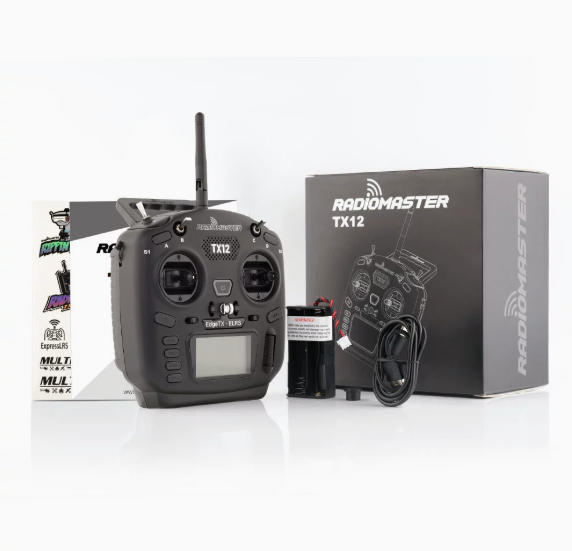
TX12 ELRS Remote Controller Binding Tutorial | Step-by-Step Guide
by SkyVolt FPV Engineering Team · About the authors
In this guide
- 1. Preparation and Wiring
- 2. Enter Binding Mode
- 3. ELRS Remote Controller Settings
- 4. Confirm Successful Binding
- 5. Betaflight Configuration
- 6. Channel and Flight Mode Setup
- Conclusion
This tutorial explains how to bind an ELRS remote controller to a receiver and configure the corresponding settings in Betaflight.
1. Preparation and Wiring
- Required equipment:
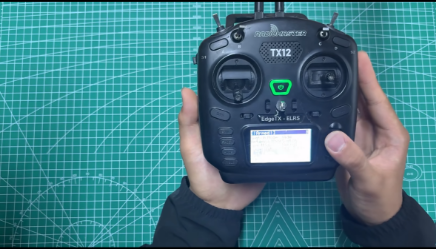
- ELRS remote controller
- Configuration cable
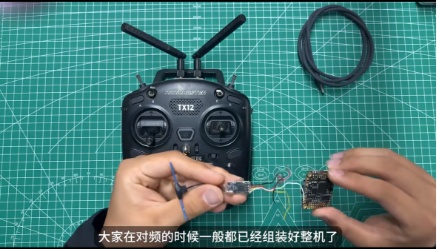
- ELRS receiver
- Flight controller (FC)
- Computer with Betaflight Configurator installed
- Connect the receiver to the flight controller:
V → 4.5V
G → GND
DT → R (RX)
RT → T (TX)
Note: Make sure the TX and RX wires are connected correctly. Do not reverse the wiring.
2. Enter Binding Mode
Power on the flight controller. The receiver's blue LED will flash slowly when it is not connected.
Quickly power the flight controller ON and OFF three times. When the blue LED starts flashing twice repeatedly, the receiver has entered binding mode.
3. ELRS Remote Controller Settings
Turn on the remote controller, press the SYS button to enter the menu, and select ELRS.
- Set the following parameters:
- Frequency: Lowband (915MHz) or 2.4GHz, according to your receiver
- Ratio: 1:64
- Power: 100mW
- Select the correct frequency band and click Bind to start pairing.
4. Confirm Successful Binding
After binding, the receiver's blue LED changes from double flashing to solid blue, indicating successful pairing.
You can also verify the connection by:
- Checking the signal indicator on the remote controller
- Moving the control sticks and checking for changing channel values in Betaflight
5. Betaflight Configuration
Open Betaflight Configurator and select the corresponding UART port.
Set the receiver protocol to CRSF. No other parameters need to be adjusted according to this tutorial.
Connect the remote controller and move the control sticks. If the channel values change in Betaflight, the connection is working correctly.
6. Channel and Flight Mode Setup
For the ARM (unlock) channel, using a two-position switch is recommended for safer operation.
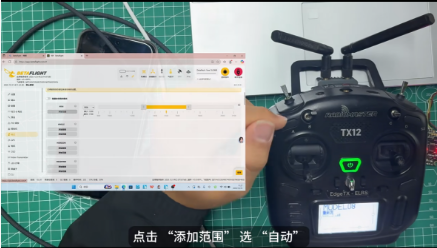
- Add the ARM mode.
- Select Auto for the range.
- Toggle the switch and make sure the yellow indicator moves into the yellow range.
- Click Save.
Other flight modes, such as Finger, Angle (Self-Level), and Headless Mode, can be configured according to your needs.
Finally, hide unused modes and save all settings.
Conclusion
With these steps, you can complete ELRS receiver binding and basic Betaflight configuration. Always verify the receiver connection and ARM switch operation before flight.