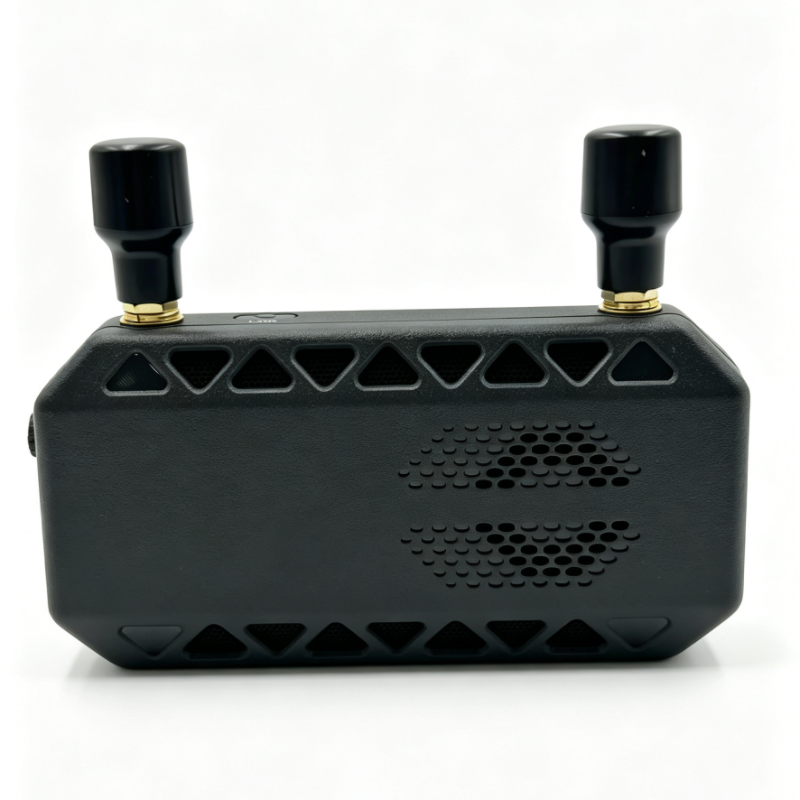
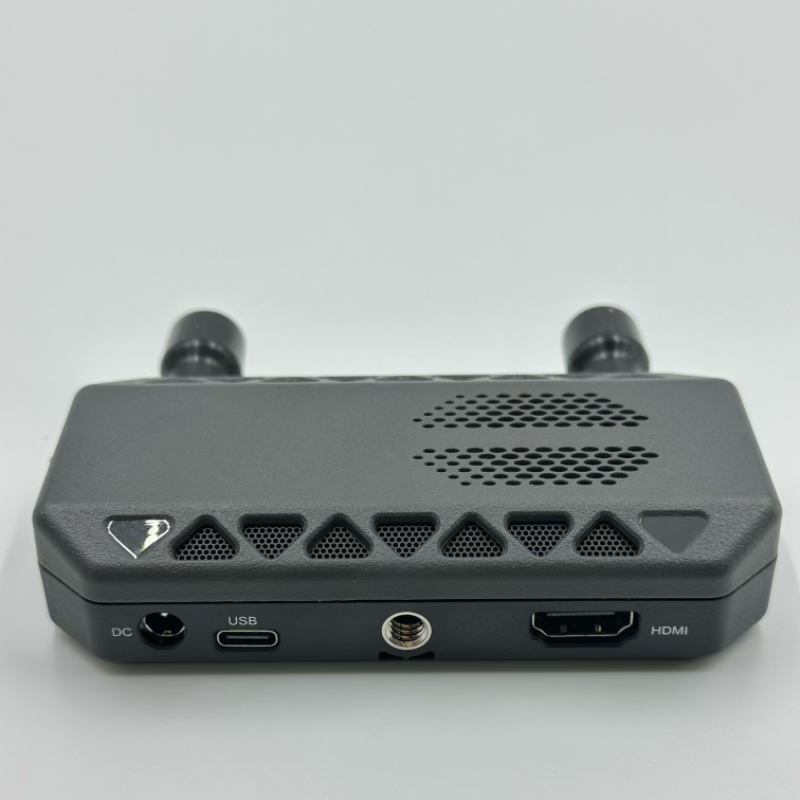
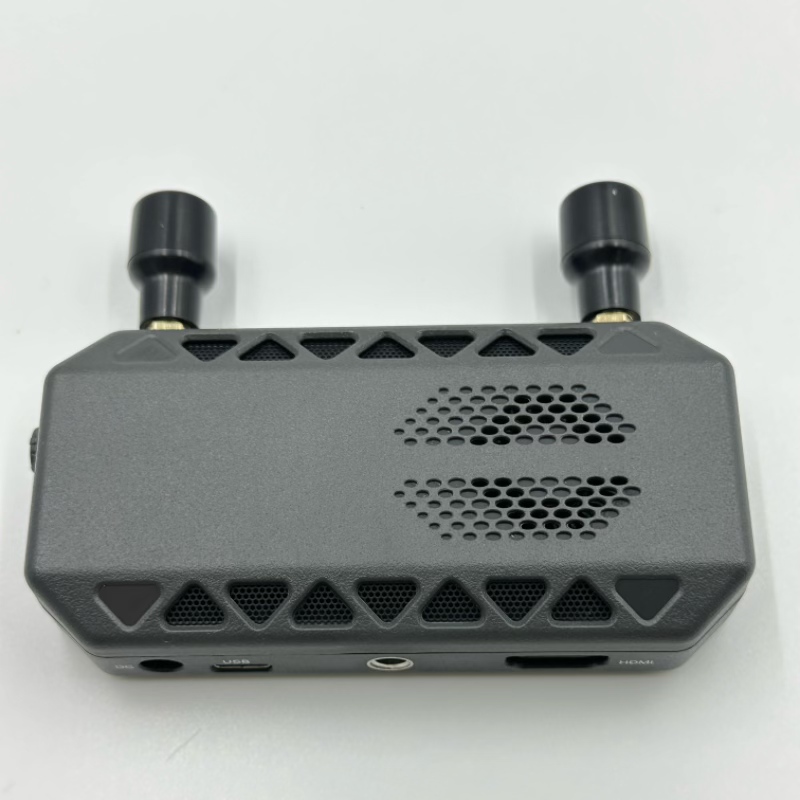
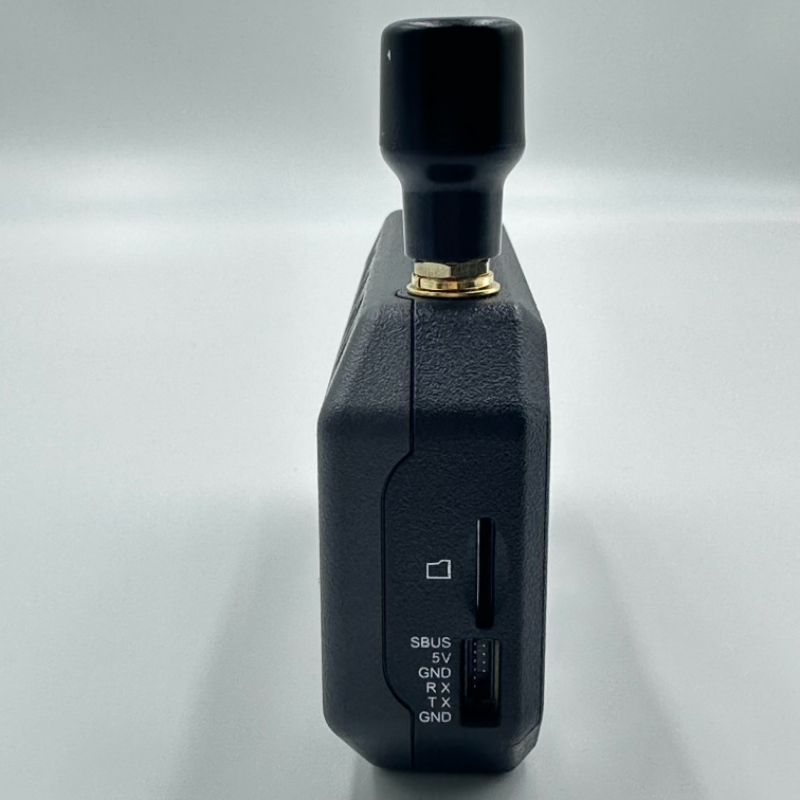
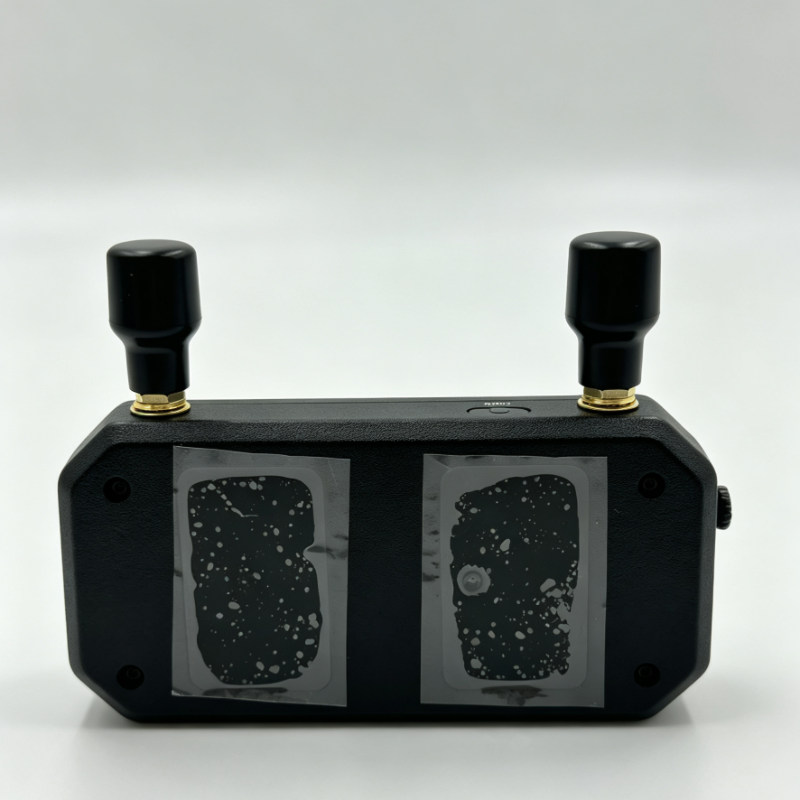
VRX Industry FPV VRX
CADDX Ascent VRX Industry 5.8GHz FPV Receiver with USB Upgrade & DVR
| Name | Value |
|---|---|
| Model | Ascent VRX Industry |
| Operating Frequency | 5.8GHz (5740 / 5770 / 5805 MHz) |
| Channels | 8 Channels (Channel 1-8) |
| Video Output | HDMI 1080p/60fps, 720p/60fps |
| Recording | Built-in DVR (Supports SD Card up to 256GB) |
| Firmware Upgrade | USB Interface (via Caddx PC Tool) / SD Card |
| Power Input | DC 7.4V - 25.2V (2-6S LiPo) |
| Operating Temperature | -20°C - 60°C |
| Compatibility | Ascent Series VTX Only |
| Dimensions | 114.3 x 64 x 24 mm |
| Weight | Approx. 117.9g |
| Bluetooth | Not Supported |
Request Quote
Quotation within 24 hours · MOQ from 1 unit · OEM / ODM welcome
- OEM / ODM customization supported
- Prototype in 7–15 days
- 12-month warranty, 24h technical support
Product Details
Key Features :
Industry-Grade Design: Built specifically for system integrators, featuring a dedicated USB port for fast PC firmware upgrades without removing the SD card.
8 Operating Channels: Supports up to 8 channels (Channel 1-8) in the 5.8GHz band for flexible frequency management.
1080p/60fps HDMI Output: Delivers crystal-clear HD video to your FPV goggles or ground station monitors.
Built-in DVR Recording: Supports one-click recording directly to an SD card (up to 256GB) via the dedicated record button.
Advanced OSD & Menu: Features a comprehensive on-screen display showing battery voltage, signal strength, real-time bitrate, and latency. Supports frequency hopping for a cleaner signal.
USB Firmware Upgrade: Connect directly to a PC using the Caddx PC Tool to easily upgrade firmware—ideal for batch maintenance.